15 LinkedIn Best Practices That Will Help Your Business Page Grow
In the hyper-competitive professional landscape of 2026, LinkedIn is a social media powerhouse that has evolved into a sophisticated attention economy. With over 1.2 billion members and 310 million monthly active users, the platform is no longer just a digital Rolodex; it is the primary engine for B2B revenue. However, as the 2026 algorithm shifts toward "Depth Scores" and interest-based distribution, simply "showing up" is no longer enough.
According to recent benchmarks, small brands (1K–5K followers) are currently seeing a 24.50% year-over-year follower growth rate, while corporate giants are hitting an "engagement cliff." The secret? Mastering LinkedIn post best practices that favor human-centric interaction over automated noise. Whether you are a solo founder or a growth lead on LinkedIn, these 15 best practices for posting on LinkedIn will help you scale your reach by 500% to 5,000%.
1. Optimize Your "Digital Storefront" (The PAS Framework)
Before writing in the LinkedIn post editor, ensure your destination is ready. LinkedIn now indexes profiles as high-authority landing pages. LinkedIn about section best practices in 2026 dictate a Problem-Agitation-Solution (PAS) framework. Use the first 150 characters, the portion visible before the "See More" button, to state your value proposition.
Statistic: 54% of U.S. users earn over $100,000 annually. If your profile doesn't look professional in 3 seconds, you are losing high-net-worth leads.
2. Using Thought Leadership over Hard-Selling
Data from Socialinsider proves that brands focusing on "Human-First" thought leadership see an 8% increase in engagement. In 2026, your audience is "ad-blind." They don't want a brochure; they want a perspective. As expert Katie Brown notes, "The future of social media lies in human connection." Share your "crude" processes and failed experiments; these are the posts that build the "Trust" pillar of Google’s EEAT framework.
3. Activate Your Employee Ambassadors
Your team is your greatest distribution channel. Employee-generated content (EGC) naturally feels more authentic and less promotional than corporate posts. In fact, employees are responsible for approximately 30% of their company's overall engagement. Provide your team with a "Content Toolkit," but allow them to use their own voice to avoid looking like "canned" corporate bots.
4. The "First-Hour Velocity" Rule: The 2026 Golden Hour
The 2026 algorithm shift introduced the "Depth Score." While the first 60 minutes have always been important, they are now critical. LinkedIn now measures how quickly a "seed audience" engages with your post to determine its viral potential.
This is where Posting Parties becomes your competitive advantage. By coordinating a group of real, high-authority professionals to engage with your post in the first hour, you signal "Immediate Relevance" to the algorithm. This initial spark is what prevents your best ideas from dying in the "no-comment" zone.
5. Navigating the "Zero-Click" Content Landscape
A common technical error is that the LinkedIn post includes a link trap. In 2026, external links can result in a 60% penalty in reach. LinkedIn’s business model depends on keeping users on the platform. The solution? Provide the core value within the post. If you must share a link, place it in the comments only after the post has gained initial traction.
6. Using Strategic Polls for Market Intelligence
Polls are currently the "Reach Hack" of 2026, doubling their performance since 2023. For pages with 100K+ followers, polls average nearly 10,000 impressions.
Best Practice: Use polls to ask about LinkedIn decision-making strategies. This provides massive reach while simultaneously acting as free market research for your next 10 content pieces.
7. The Rise of "Lo-Fi" Creative Best Practices
Stock photos are dead. LinkedIn creative best practices favor "Lo-Fi" authenticity. A selfie in a home office or a screenshot of a "sinking feeling" email will outperform polished corporate graphics by 98% in comment volume. LinkedIn users want the "work in progress," not the airbrushed finale.
8. Identifying Your "Golden Window" (Best Time to Post)
While data suggests Tuesday through Thursday (10 AM–12 PM) is the best time to post on LinkedIn, the "real" best time is when your community is active. Coordination beats timing. If your Posting Party is live at 3 PM on a Monday, that is your peak time. Consistency and "Initial Velocity" are the metrics that actually drive the "Depth Score."
9. Respecting the "LinkedIn Posting Limit"
Posting more than once every 18 hours can "cannibalize" your previous post’s reach. In 2026, the algorithm needs time to "digest" your content and show it to different time zones. Aim for 3–5 high-impact posts per week. Quality and "Dwell Time" (how long someone stays on your post) are now more important than raw frequency.
10. Enhancing Content with a LinkedIn Post Generator
Writer's block is the enemy of growth. Use a LinkedIn post generator to create a skeleton or "Hook," but always add a human layer. Every post must include "Information Gain", a unique insight or experience that an AI cannot replicate. Google's 2026 updates actively de-prioritize "cardboard" content that looks like every other AI-generated post.
11. Defining Your Core Content Pillars
Successful LinkedIn strategies are built on the "Rule of Thirds":
Authority (40%): Frameworks and "How-to" guides.
Humanity (30%): BTS, failures, and team spotlights.
Proof (30%): Case studies and "Posting Party" results.
Consistency within these pillars builds a "Topic Authority" signal for the algorithm.
12. Mastering the "Hook and Hold" (Dwell Time)
The first two lines of your post………the "Hook"......... determine whether a user clicks "See More." If they don't, your LinkedIn posting strategy fails.
The Hook: Create a curiosity gap. (e.g., "I audited 20 websites. 17 made the same SEO mistake.")
The Hold: Use strategic white space and bold text to keep them reading. The longer they stay (Dwell Time), the more LinkedIn pushes the post outward.
13. Regular Audits via "View Scheduled Posts"
Consistency requires planning. Use the LinkedIn native tool to view scheduled posts and ensure your mix isn't too promotional. A healthy feed should feel like a high-level networking event. If you look at your queue and see three sales pitches in a row, it's time to add some "Humanity" content.
14. The Multi-Image and Carousel Advantage
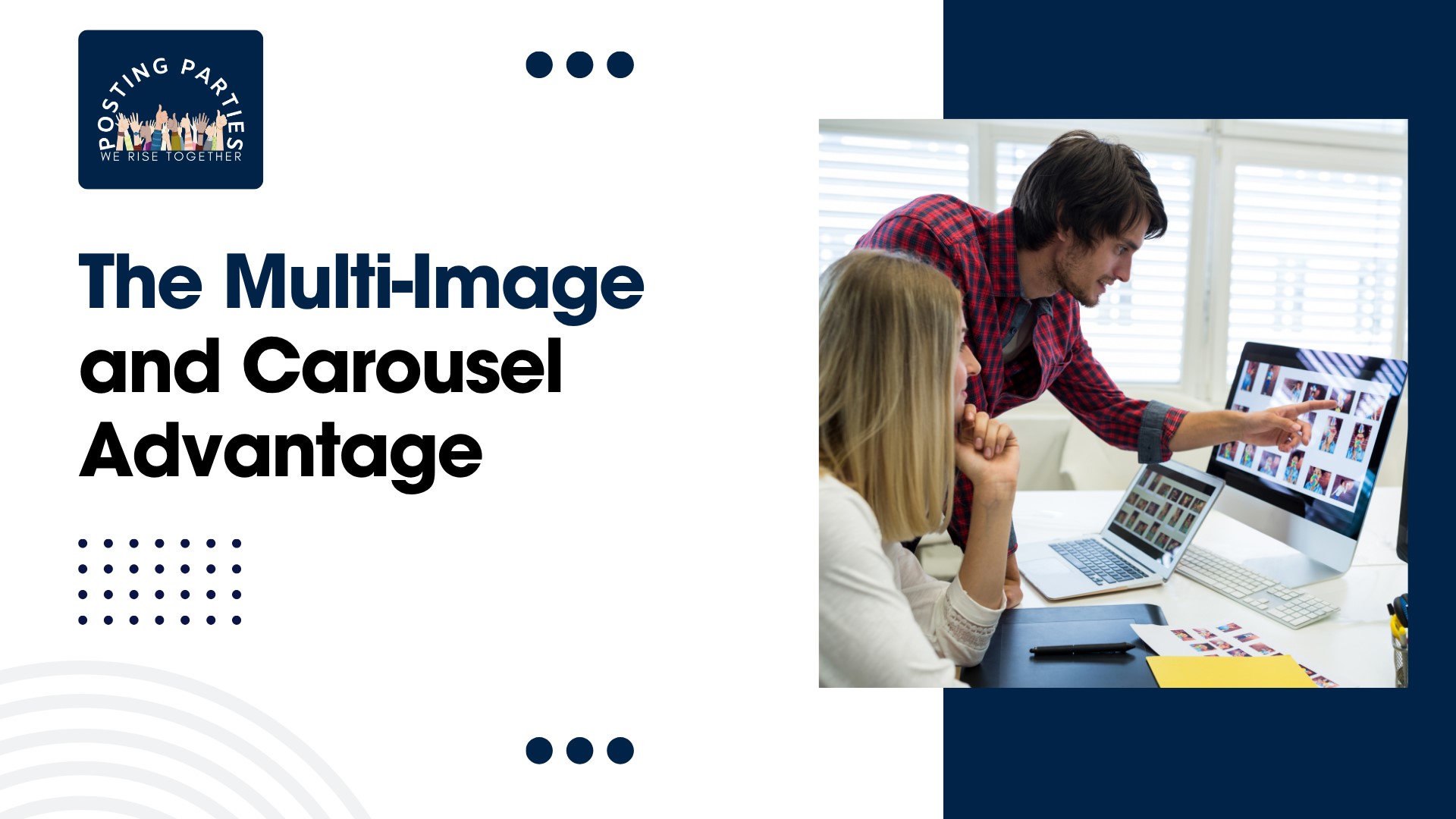
Carousel posts (PDF uploads) are the undisputed king of 2026, earning 278% more engagement than video and 596% more than text-only posts.
Stat: Multi-image posts achieve a 6.60% average engagement rate, the highest of any standard format. These formats "slow the scroll" and maximize Dwell Time, signaling high value to the algorithm.
15. The Essential Need for Community (Posting Parties)
The most successful profiles on LinkedIn have a "Force Multiplier." They don't post and pray; they arrive with a community. By joining Posting Parties, you ensure your content survives the "Quality Classifier" and reaches the second and third-degree networks that drive real revenue.
2026 LinkedIn Content Format Hierarchy
Conclusion: Stop Shouting into the Digital Void
The best LinkedIn growth strategy for 2026 is simple: Arrive with a community, stay for the conversation, and provide more value than anyone else in the feed. The data shows that the "Depth Score" and "Dwell Time" are the keys to the kingdom.
By applying these LinkedIn post best practices, from optimizing your LinkedIn about section to leveraging the human-first power of Posting Parties, you transform your profile from a static resume into a high-converting revenue engine.
Ready to see your visibility explode? [Join Posting Parties Today] and stop letting your best ideas go ignored. Let’s trigger the algorithm and grow your views by 500% to 5,000% together.
Frequently Asked Questions
How to post promotion on LinkedIn?
To post a promotion, click "Start a post" and use the "Celebrate an occasion" option to select "Job Change" or "Promotion." Mention your new role and company. For paid reach, use the Campaign Manager to create "Sponsored Content" ads targeting specific B2B decision-makers and high-value industries.
How to see scheduled posts on LinkedIn?
Access your scheduled content by clicking "Start a post" on your homepage, then selecting the clock icon in the bottom right corner. Click "View all scheduled posts" to manage, edit, or delete upcoming content. This allows you to maintain a consistent LinkedIn posting strategy without manual effort.
How do I post on LinkedIn?
Click "Start a post" at the top of your feed. Type your update, add rich media like PDF carousels or native video, and include 3 relevant hashtags. Ensure your "Hook" is strong to maximize Dwell Time and trigger the algorithm's "First-Hour Velocity" for 500% more organic reach.
What to post on LinkedIn?
Focus on the "Rule of Thirds": share Authority content (how-to guides), Humanity content (behind-the-scenes stories), and Proof (client wins). Prioritize PDF carousels, which earn 278% more engagement than text. Always end with a specific question to spark meaningful conversation and increase your "Depth Score."
