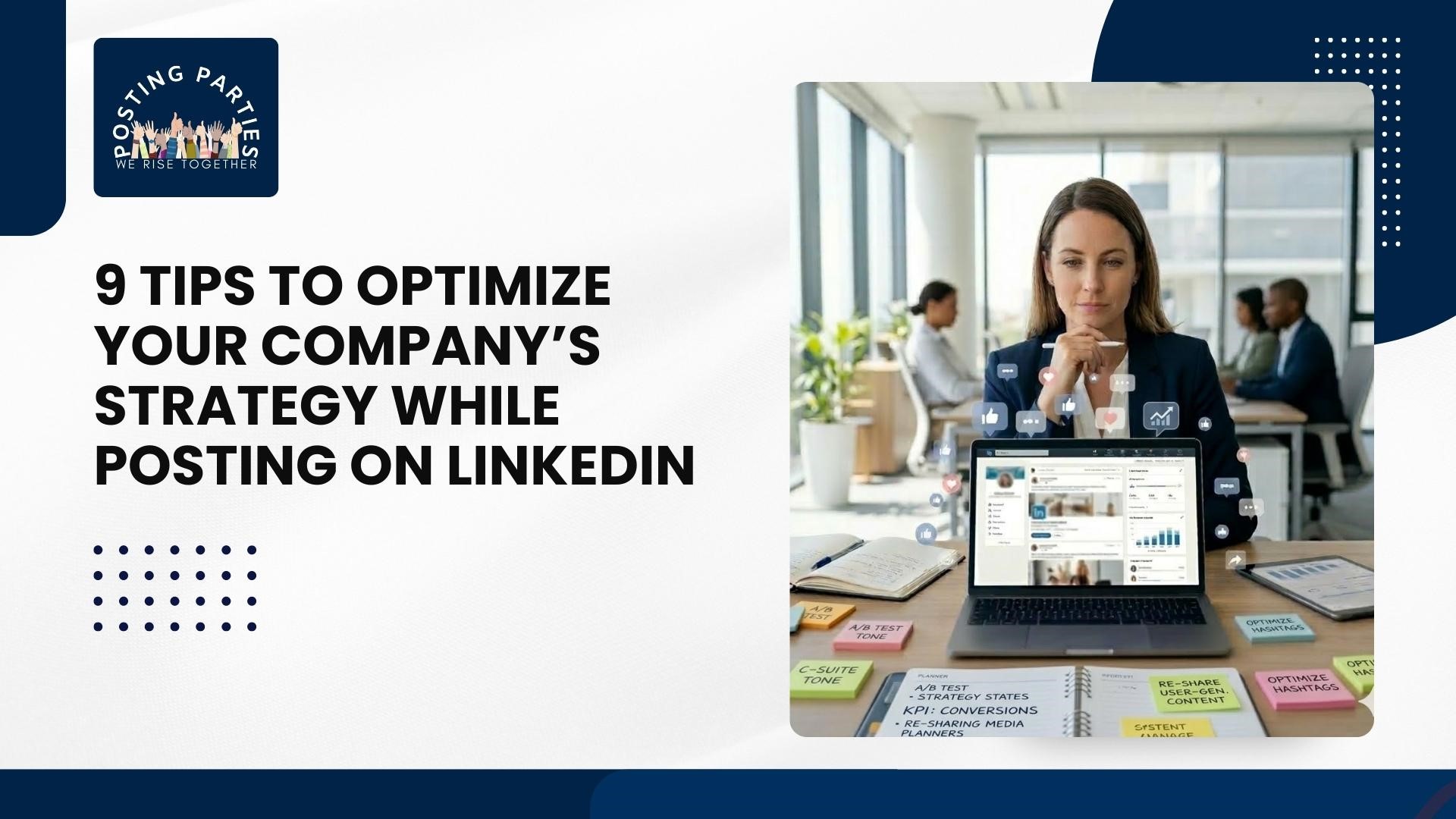
9 Tips to Optimize Your Company’s Strategy While Posting on LinkedIn
Handling a company's LinkedIn page can feel overwhelming. Between LinkedIn updates, responding to messages, and planning content, it’s easy to wonder if your efforts actually drive results. I’ve been there—scrolling through my company feed, unsure if anyone was even noticing our posts. Over time, I realized that posting on LinkedIn strategically isn’t about quantity; it’s about clarity, authenticity, and consistency.
When executed well, your company page can become a hub for thought leadership, customer engagement, and even hiring top talent. Below, I’m sharing 9 tips that transformed our LinkedIn approach and helped us get measurable results.
1. Audit Your Company Page First
Before posting anything, check your company page. Is the logo clear? Is your description updated with the services you provide? Many companies forget that potential clients and recruits first check your page after seeing a LinkedIn update.
Key Page Elements
Professional banner image reflecting your brand
Concise “About” section with value proposition
Contact info and website links visible
This step alone increases trust and sets the stage for every post you publish.
2. Plan a LinkedIn Content Calendar
Random posts rarely succeed. Create a LinkedIn posting strategy with a mix of news, thought leadership, and educational content. Plan updates around industry trends, company milestones, and product launches. For example, sharing LinkedIn news about your sector can position your company as a go-to resource.
A content calendar also helps you balance promotional posts with value-driven ones, so your followers see you as helpful, not spammy. Consistency matters more than frequency.
3. Share Company Achievements Thoughtfully
People love stories they can relate to. Instead of announcing every achievement, frame it in a way that benefits your audience. For instance, a post about winning an award can include linkedin customer service lessons learned or ways your clients benefited from the recognition.
This approach connects your success to real-world value, building engagement while subtly reinforcing credibility. Posts that combine storytelling with actionable insight perform best.
4. Leverage Visual Content Strategically
Images, videos, and podcast guest LinkedIn profile clips dramatically increase engagement. A screenshot of a webinar, a short video of your team, or a carousel highlighting a product feature can stop the scroll and encourage interaction.
Visual Guidelines
Keep images high-resolution with proper LinkedIn post size
Use captions for accessibility
Include your brand colors subtly
Visuals paired with concise copy make your updates more memorable.
5. Encourage Employee Advocacy
Your employees are your best ambassadors. Ask team members to like, comment, and share company updates. Authentic engagement from employees amplifies reach, increases trust, and gives LinkedIn marketing efforts a human touch.
Practical Tip
Set up monthly internal newsletters highlighting the key LinkedIn updates for the team. Encourage participation, but avoid making it feel forced. Employees sharing posts naturally leads to higher impressions and engagement.
6. Use Hashtags and Tagging Wisely
Adding hashtags like #LinkedInCareers, #LinkedInMarketing, or industry-specific tags improves discoverability. Tag relevant employees, partners, or clients when appropriate to increase visibility.
Too many hashtags or irrelevant tagging can reduce credibility. Stick to 3–5 highly relevant hashtags per post, and combine them with mentions to spark conversation. This aligns with best LinkedIn posting strategy practices and boosts organic reach.
7. Monitor Comments and Respond Quickly
Engagement doesn’t stop at posting. When someone comments, reply promptly. Address questions, thank users for feedback, or provide additional insights. This is especially crucial for posts involving LinkedIn customer service inquiries.
Why It Matters
Builds trust and shows professionalism
Signals activity to LinkedIn’s algorithm
Encourages further comments from other followers
The faster you respond, the more likely your post will appear in connection’s feeds.
8. Track Metrics and Adjust Strategy
It’s impossible to improve without data. Monitor impressions, clicks, shares, and follower growth after each LinkedIn update. Identify patterns in posts that performed well, such as topics, format, or posting times.
Metrics to Track
Average engagement rate per post
Click-throughs to your website or LinkedIn careers page
Comments and direct inquiries generated
Use this insight to refine your LinkedIn posting strategy and focus on what resonates most with your audience.
9. Combine Organic Posts with Targeted Campaigns
While organic engagement is essential, occasional paid campaigns can amplify your best-performing posts. For example, you might boost a post announcing a LinkedIn remote jobs opening or promoting remote positions linkedin in a webinar.
Paid campaigns complement your LinkedIn updates without replacing genuine interaction. A small, targeted ad spend helps you reach potential clients or hires who would otherwise miss your content.
Evaluating Your LinkedIn Strategy Performance
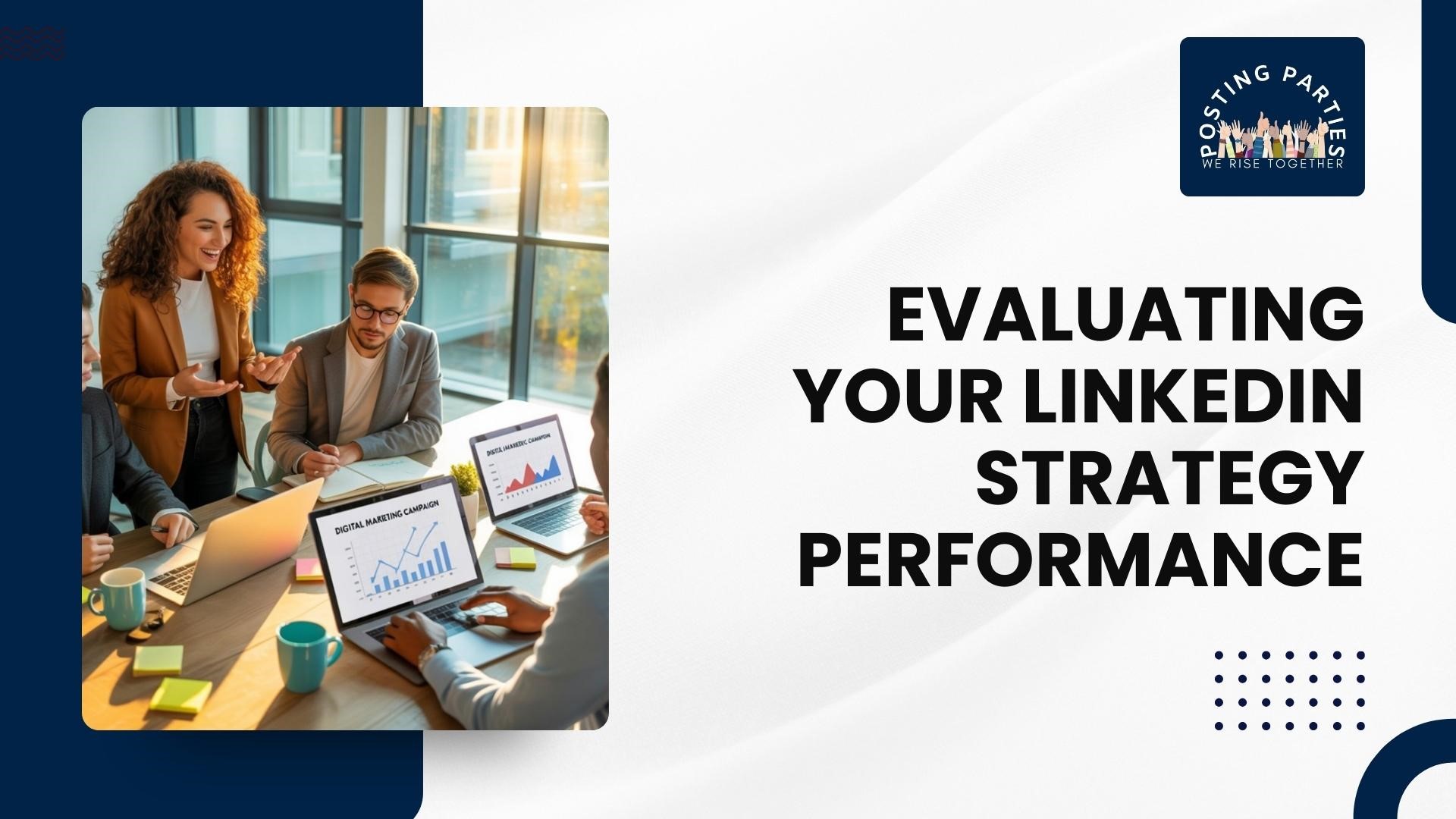
Before wrapping up, take a moment to review the impact of your LinkedIn updates. Analyze engagement, follower growth, and click-throughs to see what resonates with your audience. Understanding which posts drive interactions helps refine your LinkedIn marketing approach and improve future content planning.
Key Metrics to Track
Engagement rates on company posts
Comments and questions indicating audience interest
Profile visits and follower growth
Shares that extend reach beyond your immediate network
Integrating LinkedIn into Your Broader Marketing Plan
LinkedIn shouldn’t operate in isolation. Consider how your updates tie into your website, newsletters, or other channels. Combining LinkedIn customer service responses, company news, and LinkedIn job search updates with wider campaigns strengthens messaging consistency and improves ROI.
Integration Strategies
Link posts to relevant blog content or landing pages
Use consistent branding and tone across all channels
Promote company events or announcements in parallel campaigns
Coordinate posts with email marketing or webinars
Looking Ahead
By evaluating your LinkedIn updates and integrating them into your broader marketing plan, you can see which content drives real engagement & strengthens. Consistency, relevance, and responsiveness are key. Keep testing different post formats, leveraging insights from LinkedIn job search or company updates, and responding thoughtfully to your audience. Over time, your strategy and LinkedIn support will evolve, giving you measurable results and a stronger presence on the platform.
Remember, LinkedIn success is a marathon, not a sprint. Small, deliberate improvements compound into meaningful growth for your company, whether through attracting new talent, fostering client relationships, or amplifying your brand voice.
Are you really into amplifying your LinkedIn presence? Join Posting Parties today and start connecting with real professionals who can help you grow your network, increase engagement, and generate meaningful results. Get Started Now
FAQ'S
How to block someone on LinkedIn?
To block someone on LinkedIn, go to their profile, click the More… button, and select Report/Block. Blocking prevents them from seeing your posts, interacting with your profile, or sending messages, giving you control over your LinkedIn updates.
How to get LinkedIn URL?
Your LinkedIn URL is found on your profile page. Click Edit public profile & URL, then copy the link. Sharing it helps with professional networking, LinkedIn marketing, and connecting others to your LinkedIn profile growth efforts.
How to create a LinkedIn profile?
Sign up on LinkedIn, add a professional photo, headline, summary, and experience. Fill out skills and education to improve search visibility. A complete profile is the foundation for LinkedIn updates, posting on LinkedIn tips, and professional credibility.
How much is LinkedIn Premium?
LinkedIn Premium pricing varies by plan: Career, Business, Sales Navigator, or Recruiter. Monthly fees typically start around $29.99, offering advanced insights, LinkedIn job search alerts, and analytics for professional growth and networking.
