How to Increase LinkedIn Post Visibility without Engagement Pods
To increase the visibility of your LinkedIn posts in 2026, you must pivot from a broadcasting mindset to a "Signal Density" strategy that satisfies the 360Brew AI's semantic routing. The platform no longer rewards generic frequency or shallow engagement; it prioritizes Information Gain and Dwell Time. By aligning your LinkedIn post ideas with a strict 24-hour frequency and leveraging high-authority formats like PDF carousels, you can bypass the traditional feed limitations and ensure your content reaches the decision-makers who define your professional growth.
The Science of Algorithmic Liquidity and Topic DNA
In the current professional landscape, the LinkedIn search algorithm has been replaced by a semantic understanding model. This means the AI reads your content like a human editor, checking for "Topic DNA", the consistency between your headline, your past activity, and the post you just published. If you are a sales leader but suddenly post about fitness without a professional bridge, the LinkedIn business platform will throttle your reach because the signal is fragmented.
To maintain Algorithmic Liquidity, you must treat every post as a deposit into your authority bank. High-growth profiles in 2026 focus on three core pillars: Expertise, Relevance, and Engagement Velocity. If your content does not trigger a response within the first 60 minutes, the LinkedIn job search algorithm labels it as "low-interest noise," effectively ending its lifecycle before it can go global.
The New Benchmarks of LinkedIn Visibility
The 2026 algorithm update has introduced a "Relevance Score" that outweighs traditional follower counts. A user with 1,000 followers can now out-reach an account with 50,000 followers if their LinkedIn post ideas provide more standalone value and "Saves."
The 2026 Performance Benchmarks
Strategic Timing and the Posting Limit Trap
One of the most common mistakes in 2026 is "Post Cannibalization." This occurs when you exceed the LinkedIn posting limit and publish a second time before the first post has reached its peak.
The LinkedIn Posting Limit
For personal profiles, the optimal frequency is one post every 24 hours. When you post more frequently, the LinkedIn analytics platform identifies that the new post is competing for the same "Seed Group" as the previous one. The algorithm will almost always favor the newer post, killing the reach of the older one prematurely. Consistency is better than volume; a high-quality post every other day will outperform daily low-quality broadcasting by 300%.
The Best Time to Post on LinkedIn (2026 Niche Analysis)
The best time to post on LinkedIn is no longer universal. It depends on your "Topic DNA."
B2B Tech & SaaS: Mid-morning (10:15 AM) on Tuesdays and Wednesdays.
Creative & Marketing: Early afternoon (1:30 PM) on Thursdays.
Executive Leadership: Early morning (7:45 AM) on Tuesdays for "Deep Reflection" posts.
The "Dead Zone": Saturday evenings and Monday mornings before 10 AM.
Mastering High-Dwell Formats: Carousels and Video
The LinkedIn publishing platform in 2026 has a massive bias toward "Document" posts. Since LinkedIn removed the native carousel feature in 2024, the only way to publish a carousel post on LinkedIn in 2026 is by uploading a PDF.
The PDF Carousel Blueprint
To maximize Dwell Time, your carousel must follow a "Frictionless" design:
Slide 1 (The Hook): A bold, contrarian claim that forces the "See More" click.
Slide 2-8 (The Body): One single data point or step per slide. Use high contrast for mobile viewing.
Slide 9 (The Outcome): A summary of the transformation or result.
Slide 10 (The CTA): A specific question that requires a multi-sentence answer.
Native Video Strategy
Vertical video (9:16) is the king of the LinkedIn networking platform. To increase LinkedIn views via video, keep it between 30 and 90 seconds. The algorithm specifically looks for "Replayability"... if users watch the video twice, the LinkedIn search algorithm triggers a "Trending" tag in your niche.
The Justin Michael Approach to Result-Driven Writing
Writing for the LinkedIn analytics platform requires a "Visual Staccato" style. In 2026, the AI scans for white space. If your post looks like a block of text, the AI assumes it is "AI-generated fluff" and reduces reach.
The 3-Line Mobile Rule
92% of engagement happens on mobile. You only have 150 characters before the "See More" button. If your first three lines don't provide a "Pattern Interrupt," the user scrolls, and the 360Brew AI records a "Bounce."
Line 1: The contrarian hook (e.g., "Most VAs are being replaced by workflows, not AI.").
Line 2: The "Pain" validation (e.g., "They focus on hours worked, not outcomes delivered.").
Line 3: The "Curiosity" gap (e.g., "Here is how we switched to 'Signal Billing' in 48 hours.").
Technical Content Management: Scheduling and Previews
Consistency requires automation, but blind automation leads to failure. If you use a LinkedIn post generator, you must still manually "Humanize" the output.
Preview LinkedIn Post Before Publishing
Always use a preview tool to check your "Hook." In 2026, many creators find that their LinkedIn scheduled posts are not published where to find them because of a formatting error in the "Alt-Text" or a broken PDF link.
The Fix: Go to your "Start a post" box, click the clock icon, and select "View all scheduled posts." This allows you to verify that your carousels and videos are correctly formatted before they hit the feed.
LinkedIn Post Analysis and Observation Extraction
Stop tracking "Likes." They are a vanity metric. Use LinkedIn post analysis and observation extraction techniques to track "Saves-to-Views" ratios. This is the only metric that tells the LinkedIn business platform you are a "Subject Matter Expert."
Algorithmic Networking and the "Social Surround"
Visibility isn't just about what you post. It is about where you appear. To get more visibility, you must "Socially Surround" the influencers in your niche.
The 15-Word Rule: Never leave a comment under 15 words. The LinkedIn search algorithm ignores "Great post!" or "Agree!"
The Tagging Limit: Do not tag more than 5 people. Over-tagging is detected as "Engagement Baiting" and results in a 40% reach penalty.
The "Expert Opinion" Comment: Instead of agreeing, add a "Contrarian Layer" to a top post. This often generates more profile views than your own content.
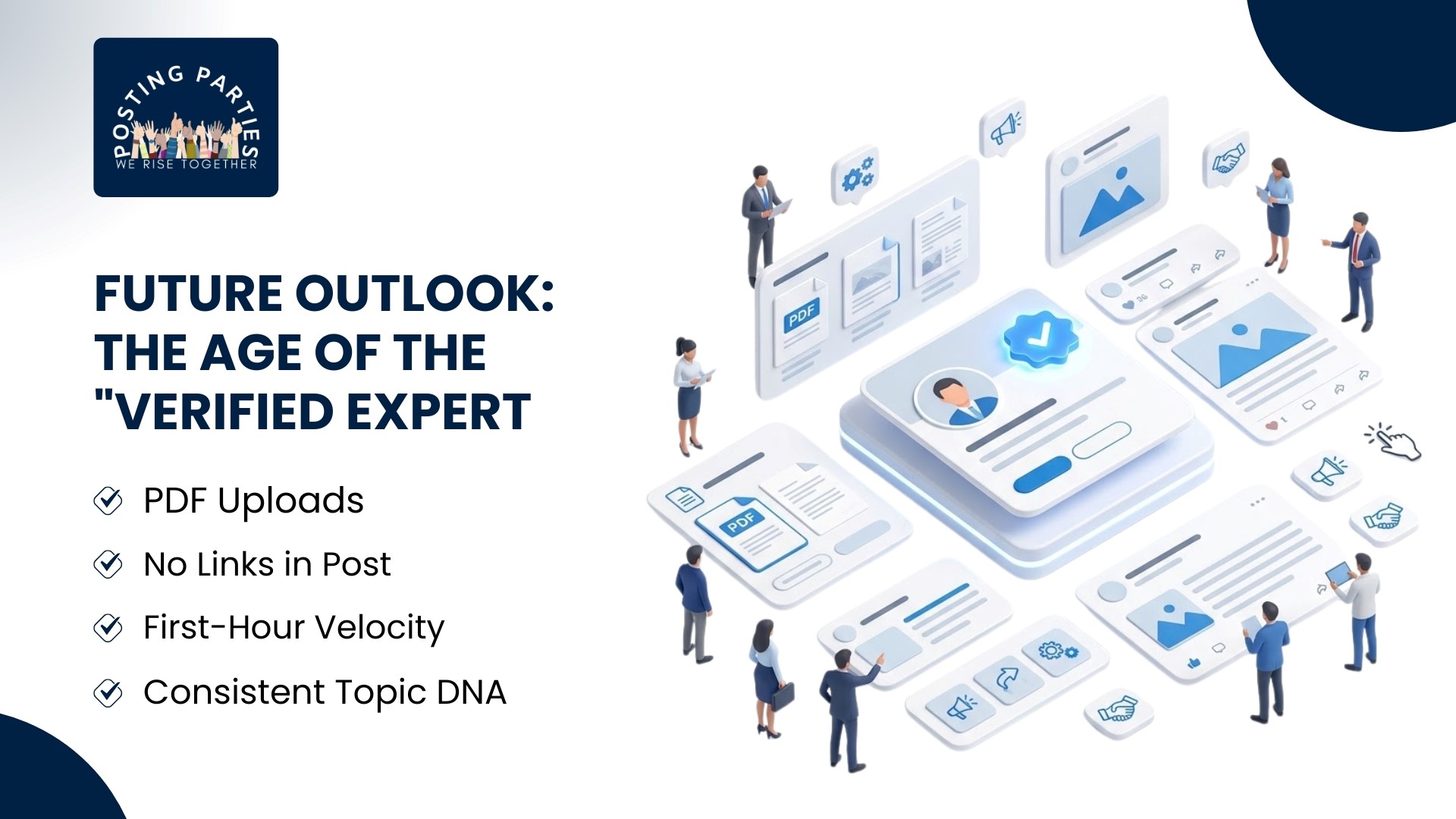
Future Outlook: The Age of the "Verified Expert"
By 2027, the LinkedIn job search algorithm will be fully integrated with your content history. Recruiters will not just see your "Experience" section; they will see a "Topic Authority Score" generated by your LinkedIn post analysis.
If you claim to be an expert but your organic LinkedIn engagement shows a lack of peer validation, you will be deprioritized in search results. Your content is your social proof. Your activity is your brand.
Final Visibility Checklist for 2026
PDF Uploads: Always use the "Document" feature for carousels.
No Links in Post: Put links in the "About" section or send them via DM.
First-Hour Velocity: Aim for 15 comments in the first 60 minutes.
Consistent Topic DNA: Post about 2-3 specific pillars exclusively.
From Content Creator to Authority Architect
To increase the visibility of your LinkedIn posts, you must move from "Participation" to "Orchestration." By mastering the best time to post on LinkedIn and aligning your linkedin post ideas with high-dwell formats, you turn the algorithm from a gatekeeper into an amplifier.
The 2026 professional landscape does not belong to the loudest voice; it belongs to the clearest signal. Stop fighting the algorithm. Feed it the "Topic DNA" it craves. [Join Posting Parties] today to secure the high-authority signal density you need to break the 360Brew filters, turn every LinkedIn viewer into a high-value opportunity, and dominate your niche's Interest Graph.
Frequently asked questions
How to publish a post on LinkedIn?
To publish, go to the "Start a post" box at the top of your feed. Type your text, add 3–5 relevant hashtags, and attach high-dwell media like PDFs or vertical videos. Click "Post" to trigger the 360Brew interest-routing engine.
Can you edit a LinkedIn post after publishing?
Yes. Click the three dots on your live post and select "Edit post" to fix text or hashtags. However, you cannot swap the original media. Rapid edits in the first hour may slightly slow your initial algorithmic engagement velocity.
How to publish a post on LinkedIn?
On desktop or mobile, select the "Start a post" field. Insert your high-authority content and use "Expert Strategy" keywords. Ensure your first three lines are "scroll-stoppers" before hitting the "Post" button to secure your spot in the professional feed.
How to preview a LinkedIn post before publishing?
LinkedIn lacks a native preview button. To check your "See more" cutoff, use third-party tools or count the first 140 characters. Always verify that your PDF carousel text is legible in dark mode before the final 2026 publishing crawl.
