Most Professionals Still Ignore The Best Practices for LinkedIn Posts in 2026
LinkedIn in 2026 Is Not LinkedIn in 2023
If you’re serious about visibility in 2026, you need to accept one uncomfortable truth: what worked on LinkedIn two years ago will not carry you forward anymore. The platform has matured, competition has intensified, and every new LinkedIn algorithm update has shifted how visibility is earned.
I’ve spent the last year analyzing performance patterns, testing structures, refining formatting, and tracking what actually improves engagement. What I’ve discovered is that mastering the best practices for LinkedIn posts is no longer optional. It’s the difference between quiet posting and strategic positioning.
Let’s break down what truly works when posting on LinkedIn in 2026.
1. The Hook Is Now More Important Than the Content Itself
Your first two lines determine survival. Not your credentials. Not your follower count. Just your hook.
One of the most overlooked posting on LinkedIn tips is understanding that the hook is not an introduction — it is a filter. It determines whether someone keeps reading or scrolls past.
Why Hooks Drive Reach
The algorithm measures early engagement and dwell time. If your opening fails to create curiosity, specificity, or tension, your post will struggle — regardless of how strong the insight is later.
For example:
Weak: “Here are some tips for LinkedIn growth.”
Strong: “I posted consistently for 6 months — and barely grew.”
The second version interrupts scrolling behavior. That interruption is the gateway to engagement, which directly impacts best practices LinkedIn post engagement 2026 performance metrics.
2. LinkedIn Post Word Count Best Practice in 2026
There’s constant debate about ideal length, but here’s what performance data shows: the modern LinkedIn best practices post length sits between 900 and 1,800 characters for authority-building posts.
Why Length Isn’t About Words; It’s About Retention
The true LinkedIn post word count best practice focuses on how long readers stay on your post. The algorithm increasingly rewards dwell time. That means structured depth performs better than shallow insights. However, formatting determines readability. If your paragraphs are dense, engagement drops. Clean spacing increases retention. And retention increases reach.
This is why LinkedIn blog post best practices emphasize clarity, flow, and scannability over raw word count.
Short posts spark quick reactions.
Longer structured posts build authority.
The strongest creators use both strategically.
3. LinkedIn Post Design Best Practices 2026
Design on LinkedIn has become a silent performance multiplier. People subconsciously evaluate structure before reading.
Formatting That Drives Engagement
Modern LinkedIn post design best practices 2026 include:
1–3 sentence paragraphs
Strategic white space
Clear rhythm and idea flow
Minimal clutter
If you use a LinkedIn post formatter, make sure it enhances readability instead of adding unnecessary symbols or distractions.
LinkedIn Post Image Size Matters More Than You Think
Correct LinkedIn post image size still performs best at:
1200 x 627 (landscape)
1080 x 1080 (square for mobile emphasis)
But visuals must be clean and intentional. Overloaded graphics reduce credibility. Authentic photos and educational carousels increase saves, and saves are now heavily weighted after the recent LinkedIn algorithm update changes.
4. How the LinkedIn Algorithm Update Changed Everything
Each LinkedIn algorithm update in the past year has shifted toward prioritizing meaningful interaction over passive consumption.
Engagement Signals That Matter in 2026
Saves > Likes
Comments > Reactions
Comment threads > Single replies
Dwell time > Impressions
If you’re posting on LinkedIn without encouraging discussion, you are limiting distribution. The most important shift in best practices for LinkedIn posts is designing content that triggers conversation depth. Back-and-forth replies dramatically increase reach. Broadcasting is outdated. Dialogue scales.
5. Best Practices LinkedIn Post Engagement 2026
Engagement architecture now determines visibility.
How to Structure a Discussion
High-performing posts typically follow this sequence:
Scroll-stopping hook
Relatable insight
Clear takeaway
Soft discussion trigger
Instead of saying, “Comment below,” try asking something reflective. When engagement feels natural rather than forced, people respond more willingly. These refined posting on LinkedIn tips consistently improve reach because they align with algorithm priorities rather than fighting them.
6. Rethinking the LinkedIn Job Posting Strategy
A modern LinkedIn job posting is brand content. It reflects leadership tone, growth opportunity, and company culture.
Why Most Job Posts Underperform
Overly formal job listings with bullet-heavy descriptions rarely create engagement. But when you apply LinkedIn blog post best practices, storytelling, clarity, personality, job posts perform as both recruitment and visibility tools. Applying the right LinkedIn best practices post length ensures the listing feels informative but not overwhelming.
In 2026, Even Hiring Is A Content Strategy.
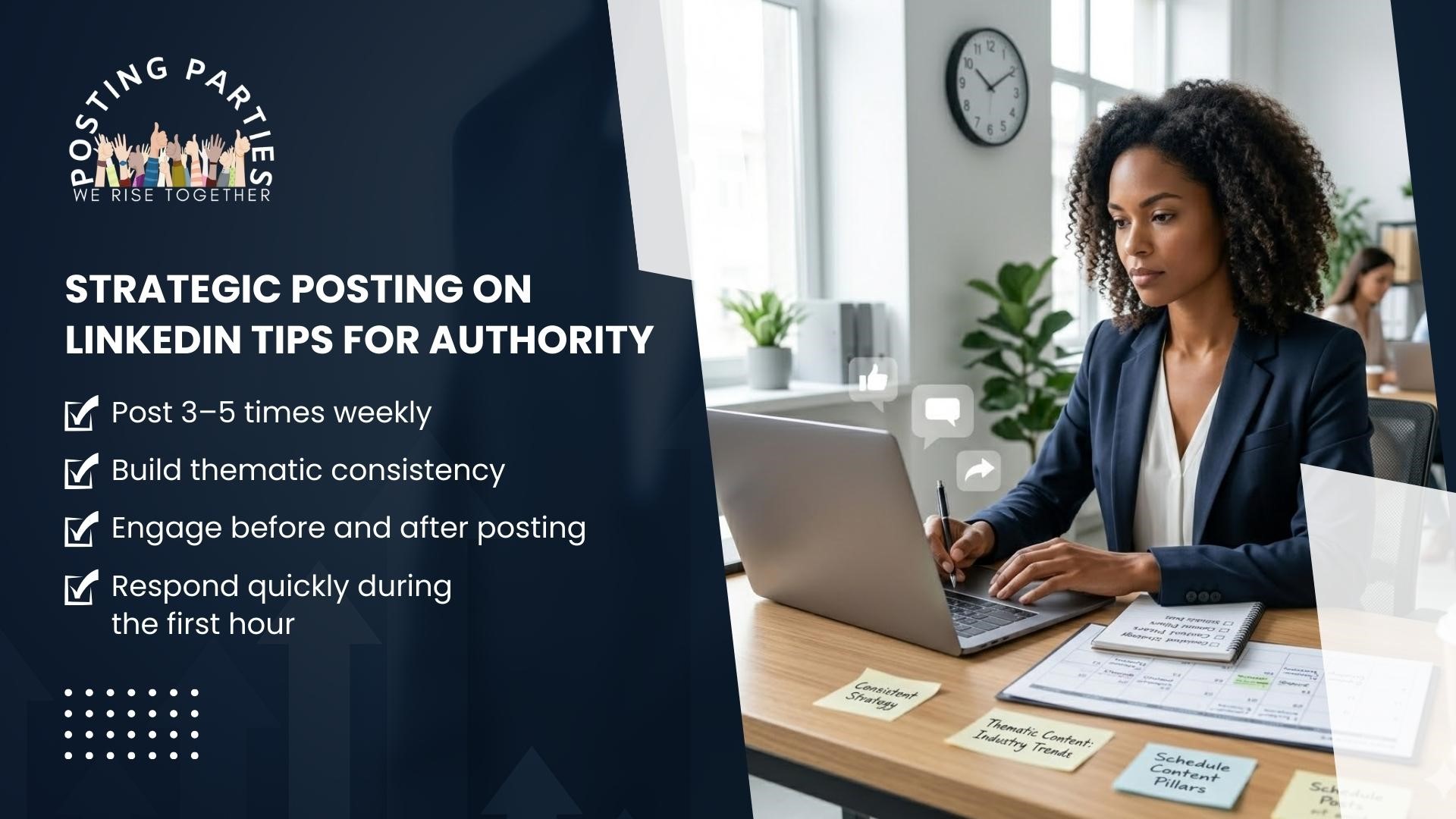
7. Strategic Posting on LinkedIn Tips for Authority
Consistency is still foundational, but random consistency doesn’t build positioning.
What Works Now
Post 3–5 times weekly
Build thematic consistency
Engage before and after posting
Respond quickly during the first hour
The strongest professionals follow the best practices for LinkedIn posts not occasionally, but systematically. They treat LinkedIn like a visibility engine, not a casual update feed.
Final Thoughts: Precision Is the Real Advantage
In 2026, growth does not reward effort alone. It rewards structure. The professionals winning on LinkedIn understand:
LinkedIn post word count best practice
LinkedIn post design best practices 2026
The impact of every LinkedIn algorithm update
The difference between activity and strategy
Mastering the best practices for LinkedIn posts is not about chasing trends. It’s about aligning psychology, formatting, engagement signals, and clarity. If you treat posting on LinkedIn casually, you will see casual results. If you treat it strategically, you build authority. And authority compounds.
Are you really into applying these best practices for LinkedIn posts with real momentum behind you? Join Posting Parties and turn strategic posting on LinkedIn into consistent visibility.
FAQ
Q1: How to post a resume on LinkedIn?
A1: To post your resume on LinkedIn, go to your profile and click “Add profile section” → “Featured” → “Media”. Upload your resume file (PDF or DOCX) and give it a clear title. You can also attach it when applying for jobs through LinkedIn, but adding it to your profile lets connections see your experience at a glance.
Q2: How to see scheduled posts on LinkedIn?
A2: If you’ve scheduled posts using LinkedIn’s native scheduler, go to LinkedIn Home → Start a post → Manage scheduled posts. You’ll see all posts waiting to be published. From there, you can edit, reschedule, or delete any upcoming posts. Note: Third-party scheduling tools like Hootsuite or Buffer will have their own dashboard for scheduled content.
Q3: How to find saved posts on LinkedIn?
A3: To access posts you’ve saved, click on “My Items” from your LinkedIn homepage (found in the left-hand panel or under your profile menu on mobile). Here you’ll find all saved articles, posts, and videos organized for easy reference. You can unsave any post from this view if you no longer need it.
Q4: How to post a promotion on LinkedIn?
A4: To announce a promotion, go to LinkedIn Home → Start a post. Write a clear, personal message about your new role, achievements, or gratitude. Use formatting like short paragraphs or emojis for readability. You can tag colleagues or the company to increase engagement. Optionally, add an image or update your profile “Experience” section to reflect your new title.
