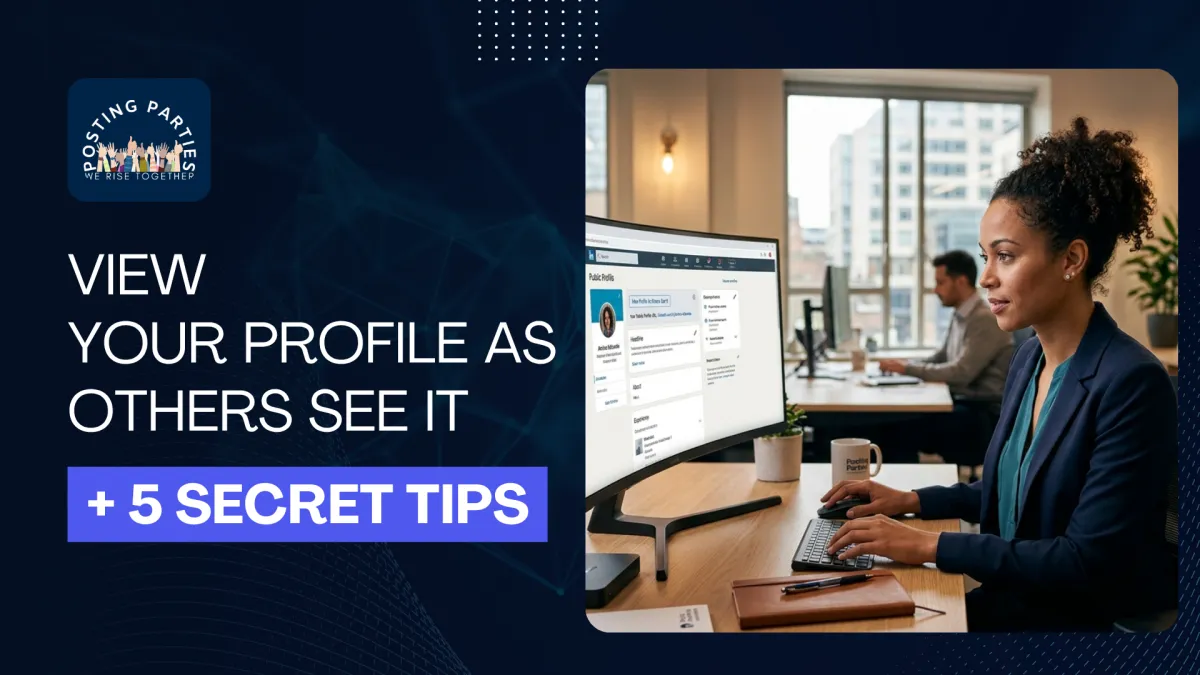
How to View Your LinkedIn Public Profile and Optimize It for More Visibility
Introduction
I've seen this happen more times than I can count.
Someone spends hours building their LinkedIn profile, writing an impressive headline, adding experience, and sharing valuable content. Yet weeks go by, and nothing happens. No connection requests. No leads. No engagement.
The frustrating part?
Most people never realize that what they think their profile looks like isn't necessarily what recruiters, clients, or potential business partners actually see.
That's a problem.
Because if your profile isn't optimized for visibility, you're missing opportunities every single day.
The good news is that LinkedIn gives you powerful tools to see your profile through someone else's eyes. Even better, a few hidden tweaks can dramatically improve your reach and credibility.
At Posting Parties, we believe visibility isn't just about posting more. It's about making sure your profile works for you 24/7.
Let's dive into how to check your linkedin public profile and uncover five secrets that most people never use.
Why Your LinkedIn Profile Matters More Than Ever
Think of your profile as your digital first impression.
Before someone connects with you, hires you, or responds to your message, they'll likely visit your profile.
If important information is hidden or worse, outdated you could lose opportunities without even knowing it.
That's why understanding your linkedin profile visibility settings is essential.
Whether you're a business owner, consultant, coach, or entrepreneur, your profile should tell visitors:
Who you help
What you do
Why they should trust you
And most importantly, it should be easy for people to find.
How to View Your LinkedIn Profile as Others See It
Many people search for view linkedin profile as others see it, but LinkedIn has changed some features over the years.
Fortunately, checking your profile visibility is simple.
Step 1: Open Your Profile
Click your profile picture and select "View Profile."
Many users searching for LinkedIn view profile as someone else begin here.
Step 2: Access Public Profile Settings
On the right side, click Edit Public Profile and URL LinkedIn.
This page allows you to control:
About section visibility
Experience visibility
Featured section
Skills
Recommendations
Profile photo
You can decide what appears publicly and what stays private.
Step 3: Check Your Public View
LinkedIn displays a preview of your public profile.
This answers one of the most common questions:
How to view your LinkedIn profile as someone else
The preview shows what people outside your network and search engines can see.
Understanding LinkedIn Profile Visibility Settings
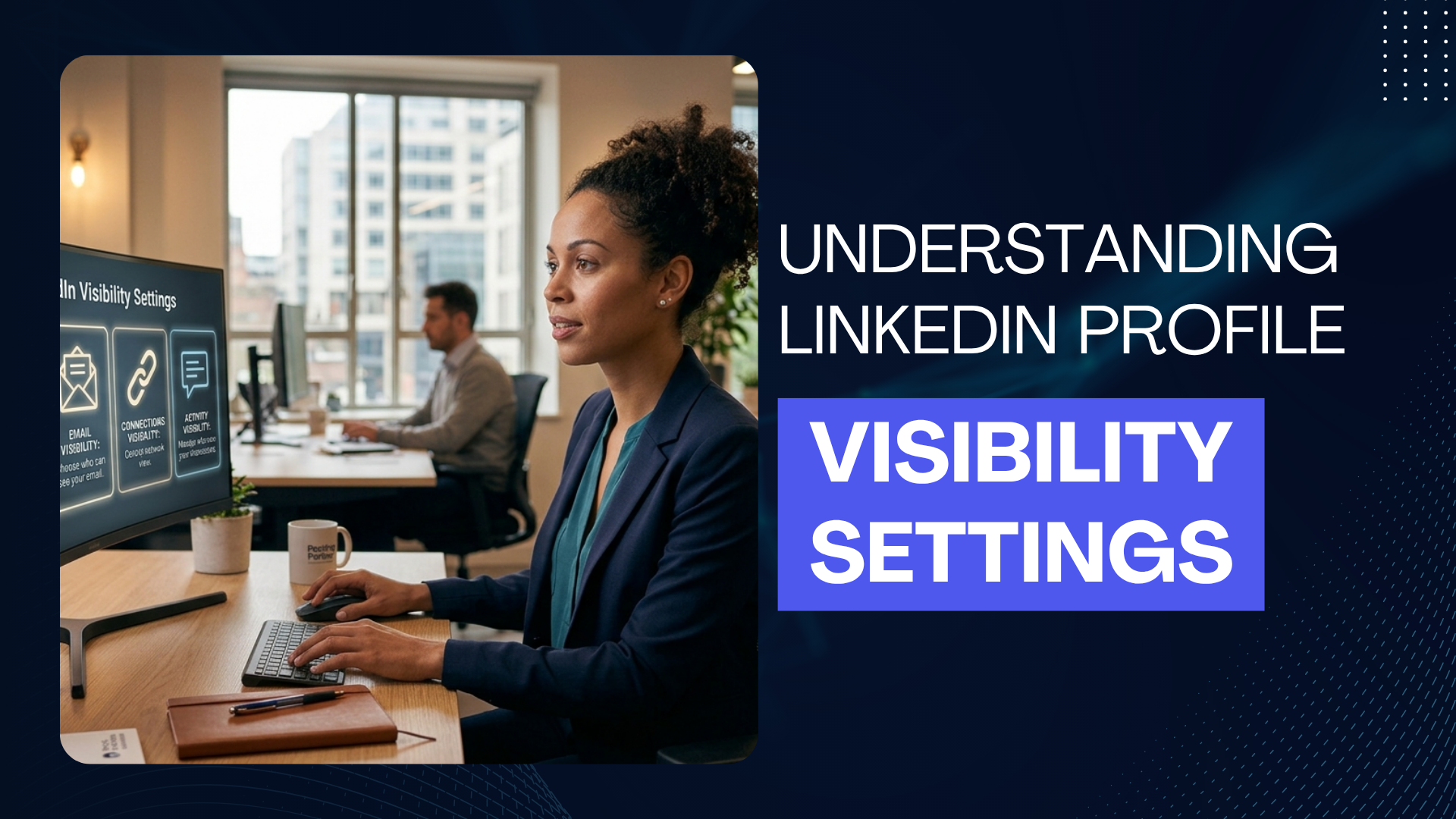
Your LinkedIn profile visibility settings determine how discoverable you are.
Many professionals accidentally hide important sections.
Inside Settings > Visibility, you'll find options for:
Profile Discovery
Control who can find you.
Email Visibility
Choose who can view your email address.
Connections Visibility
Decide whether others can see your network.
Activity Visibility
Show or hide your comments and reactions.
Public Profile Visibility
This controls how your LinkedIn public profile appears in Google search results.
Proper settings help you attract the right audience without sacrificing privacy.
Secret Tip #1: Use Incognito Mode to See What Strangers See
LinkedIn's preview isn't always perfect.
One of the best tricks is:
Log out of LinkedIn.
Open an incognito browser.
Paste your profile URL.
Search yourself on Google.
This method gives the closest experience to a real visitor.
People wondering how to view a LinkedIn profile as a visitor often overlook this trick.
You'll instantly notice:
Missing sections
Hidden achievements
Broken featured links
Incomplete descriptions
Think of it as auditing your personal brand.
Secret Tip #2: Optimize Your LinkedIn Public Profile URL
Your URL matters more than most people realize.
Instead of:
linkedin.com/in/johnsmith84736291
Use:
linkedin.com/in/johnsmithmarketing
This improves branding and professionalism.
If you're interested in finding your LinkedIn public profile URL, simply go to:
Profile → Public Profile & URL → Edit URL
A clean URL helps:
Search rankings
Personal branding
Email signatures
Website backlinks
Small changes create big impressions.
Secret Tip #3: Make Your Profile Search-Friendly
Most people optimize posts.
Very few optimize profiles.
LinkedIn itself acts like a search engine.
That's why linkedin search plays such a huge role in visibility.
Include keywords naturally inside:
Headline
Tell people exactly what you do.
Example:
Helping Coaches Grow Through Organic LinkedIn Strategies | Business Consultant
About Section
Share your mission and expertise.
Experience Section
Explain outcomes and results.
Skills
Add industry-specific skills.
These elements help LinkedIn understand your profile and show it to the right audience.
Secret Tip #4: Turn On Public Visibility for Maximum Reach
One of the biggest mistakes professionals make is hiding their profiles from search engines.
If you're asking how to make LinkedIn public, here's what to do:
Go to:
Settings → Visibility → Edit Public Profile
Enable:
Public profile visibility
Headline
About section
Experience
Featured content
Skills
This allows Google and LinkedIn members to discover you.
At Posting Parties, we've seen members dramatically increase profile views simply by adjusting visibility settings.
Organic growth starts with being visible.
Secret Tip #5: Monitor Your Profile Activity Regularly
Your profile isn't a "set it and forget it" asset.
LinkedIn evolves constantly.
New features and LinkedIn updates appear frequently.
Review your profile every month.
Check:
Banner image
Headline
Featured posts
Skills
Recommendations
Contact information
Consistency builds trust.
And trust builds opportunities.
Can People See When I View Their LinkedIn Profile?
This is probably one of the most searched questions:
Can people see when I view their LinkedIn
The answer depends on your settings.
If Profile Viewing Mode is public, others can see your name.
If you use private mode, your identity remains anonymous.
To adjust this:
Settings → Visibility → Profile Viewing Options
Choose:
Public
Semi-private
Private mode
Keep in mind that Premium members have additional insights.
How to View Your LinkedIn Profile as Someone Else
Another common question is:
how to view your LinkedIn profile as someone else
Although LinkedIn removed the old "View As" feature, you can still:
Use Public Profile Preview.
Open Incognito Mode.
Search your profile through Google.
Ask a colleague to review your profile.
Fresh eyes often reveal things you've overlooked.
Why Visibility Matters for LinkedIn Growth
Posting great content isn't enough.
People visit your profile after engaging with your posts.
If the profile doesn't build trust, engagement disappears.
That's why Posting Parties focuses on more than just likes.
Real growth comes from:
Visibility
Credibility
Community
Consistency
When real entrepreneurs engage with your content, profile visits increase naturally.
And profile optimization converts those visitors into opportunities.
When to Contact LinkedIn Support
Sometimes settings don't work properly.
In those situations, LinkedIn support can help.
Reach out if:
Your profile isn't appearing publicly.
Your URL cannot be customized.
Visibility settings won't save.
Features disappear unexpectedly.
LinkedIn's help center solves most technical issues quickly.
The Connection Between Visibility and Organic Growth
At Posting Parties, we see something interesting every day.
Members who optimize their profiles before focusing on engagement often experience faster growth.
Why?
Because profile visitors become:
Connections
Leads
Collaborators
Clients
Getting thousands of impressions means little if your profile doesn't convert attention into relationships.
That's why profile optimization should come before content strategies.
Think of it this way:
Content attracts attention.
Your profile closes the opportunity.
Final Thoughts
Your profile speaks long before you do.
People are judging credibility, expertise, and professionalism within seconds.
That's why understanding your LinkedIn public profile, improving your LinkedIn profile visibility settings, and learning to view your LinkedIn profile as others see it are no longer optional.
Small tweaks can lead to massive opportunities.
Don't wait until a recruiter, client, or partner misses your profile because something important was hidden.
Take ten minutes today and see your profile through someone else's eyes.
You may be surprised by what you discover.
Ready to Turn Profile Views Into Real Growth?
At Posting Parties, we help entrepreneurs and business owners amplify their reach through authentic engagement and a community of serious professionals.
If you're ready to get more visibility, stronger connections, and organic growth that actually converts, join Posting Parties today and start growing alongside people who are invested in success.
Because LinkedIn growth isn't about gaming the algorithm.
It's about building relationships with real people.
Frequently Asked Questions
How to view LinkedIn profile as a visitor?
Use the Public Profile preview or open your profile in an incognito browser to see what visitors see.
How to make LinkedIn public?
Go to Settings → Visibility → Edit Public Profile and turn on public visibility.
Can people see when I view their LinkedIn?
Yes, unless you're browsing in private mode.
How to view your LinkedIn profile as someone else?
Use LinkedIn's public profile preview, incognito mode, or search your profile through Google.
Where can I find my LinkedIn public profile URL?
Go to your profile and click Edit Public Profile and URL on LinkedIn to customize and copy your URL.
Does LinkedIn search affect profile visibility?
Yes. Optimized profiles appear more frequently in LinkedIn search results and attract more opportunities.
